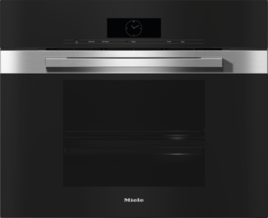
The buzzer has been switched off or the volume setting is too low.
To change the volume of the buzzers, proceed as follows (depending on the control elements):
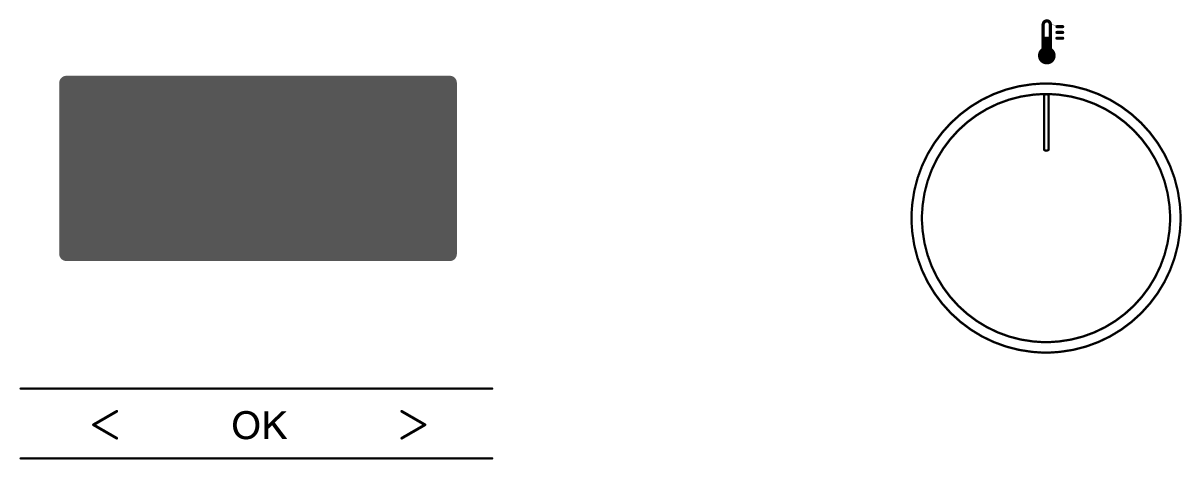
Turn the operating mode selector to 0.
Press the < sensor control until P1 appears on the display.
Select the OK sensor control.
The setting P1 is called up and the current status S appears.
Use the < > sensor controls to select the required volume:
Status S1 (very quiet) up to S30 (very loud)
Select the OK sensor control.
You have changed the volume of the buzzers. The P setting is displayed again.
Wait 15 seconds until the time of day appears.
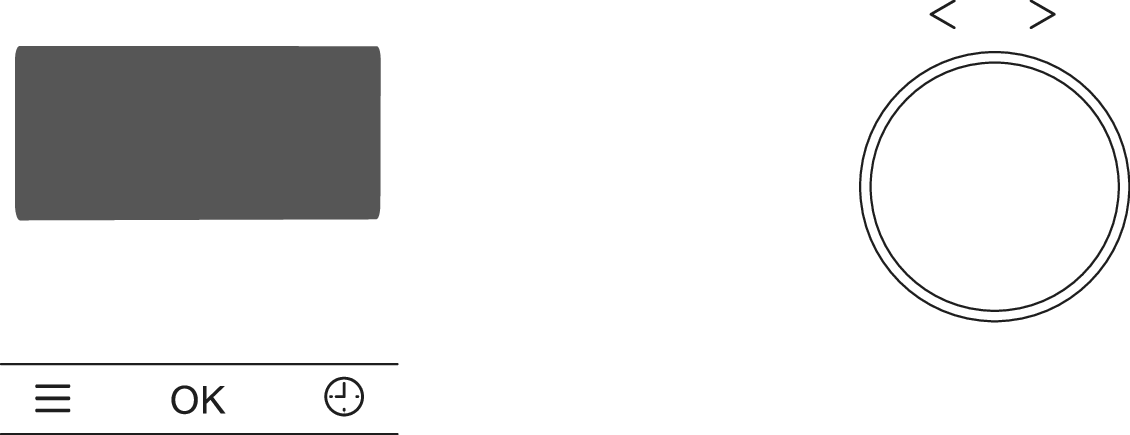
Turn the operating mode selector to 0 or to the Lighting Frame lighting position.
Select the Settings Menu sensor control.
Use the rotary control < > to select the P4 setting.
The setting is called up and the current status S appears.
Use the rotary control < > to select the required volume:
Status S1 (melodies, volume 1–7) or status S2 (solo tone, volume 1–14).
Select the OK sensor control.
You have changed the volume of the buzzers. The P setting is displayed again.
Select the Settings Menu sensor control to exit the menu.
Select the More Frame Additional programmes sensor control.
Select the Settings menu option.
Select the OK sensor control.
Select the Volume menu option.
Select the OK sensor control.
Select the Buzzers menu option.
Select the required menu option (Melodies or Solo tone). A tick will appear beside the current setting.
Select the OK sensor control.
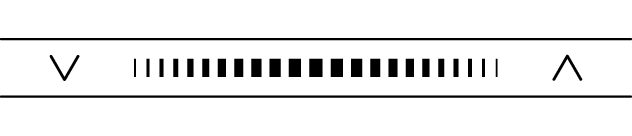
Use the segment bar to set the volume of the required buzzers.
Select the OK sensor control.
You have changed the volume of the buzzers.
On a touch display, proceed as follows:
Select the Settings menu option from the main menu.
Select the Volume menu option.
Select the Buzzers menu option.
Select the required menu option depending on the model (Melodies or Solo tone).
Use the segment bar to set the required volume.
Confirm with OK.
You have changed the volume of the buzzers.


