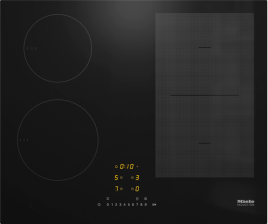
The Con@ctivity function of the integrated vapour extractor is permanently deactivated.
Activate the Con@ctivity function of the integrated vapour extractor in the programming/settings as follows:
With the hob switched off, touch and hold the On Off and sensor controls or B (depending on the model) together until the + sensor lights up and Letter PLetter C appears in the timer display.
After a few seconds Letter P01 (Programme 01) will flash alternately with Letter C01 (Code) in the timer display.
Whilst the programme is visible on the display (e.g. Letter P01), touch the sensor control + repeatedly until programme number P:16 appears on the display.
Whilst the code is visible in the display (e.g. Letter C01), touch the + sensor control repeatedly until code number C:02 appears in the display.
Whilst the programme is visible on the display (e.g. P:16), touch the sensor control On Off until the indicators go out to save the setting.


